Finding the local IP of a rig
How to find a rig's address on your own network from the router, from Windows or from a mining OS, and how to make it stay the same.
Local versus public: two different addresses
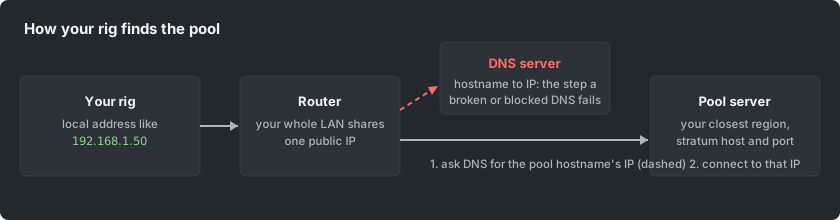
Your rig has two addresses. The PUBLIC IP is what the whole internet, including the pool, sees; every device in your home shares it. The LOCAL IP (usually starting 192.168. or 10.) exists only inside your own network, and it is what you need to open a rig's dashboard, SSH into it, or point monitoring at it. The pool's payout-settings page shows your worker's public IP; this article is about the local one.
The fastest way: ask the router
Your router's admin page lists every connected device with its local IP and hostname (look for "attached devices", "DHCP clients" or "client list"). This works for any rig, any OS, without touching the rig, and it is the way to find a rig whose screen you cannot reach.
From the rig itself
- Windows: open a command prompt and run ipconfig; read the IPv4 address of the active adapter.
- Linux: run ip addr (or hostname -I); the address on your LAN interface is the one.
- Mining OS (HiveOS, RaveOS and similar): the local IP is shown on the rig's console screen and in the web dashboard's rig details.
Make it stick
DHCP can hand a rig a different address after a reboot, which breaks bookmarks and monitoring. Fix it with a DHCP reservation on the router (bind the rig's MAC address to one IP): the rig keeps a stable address without any configuration on the rig itself.