Worker offline: a troubleshooting checklist
Your dashboard or a notification says a worker went offline. Work through this checklist from the most common cause to the rarest.
What "offline" means on the pool
The pool can only see the shares your worker submits. When a worker stops submitting shares for a while, it is shown as offline, and if you turned notifications on, you get an alert. The moment the worker submits shares again it counts as online; there is nothing to reset on the pool side.
Start at the rig
- Is the miner process actually running? A Windows update, a reboot or a crash silently ends it.
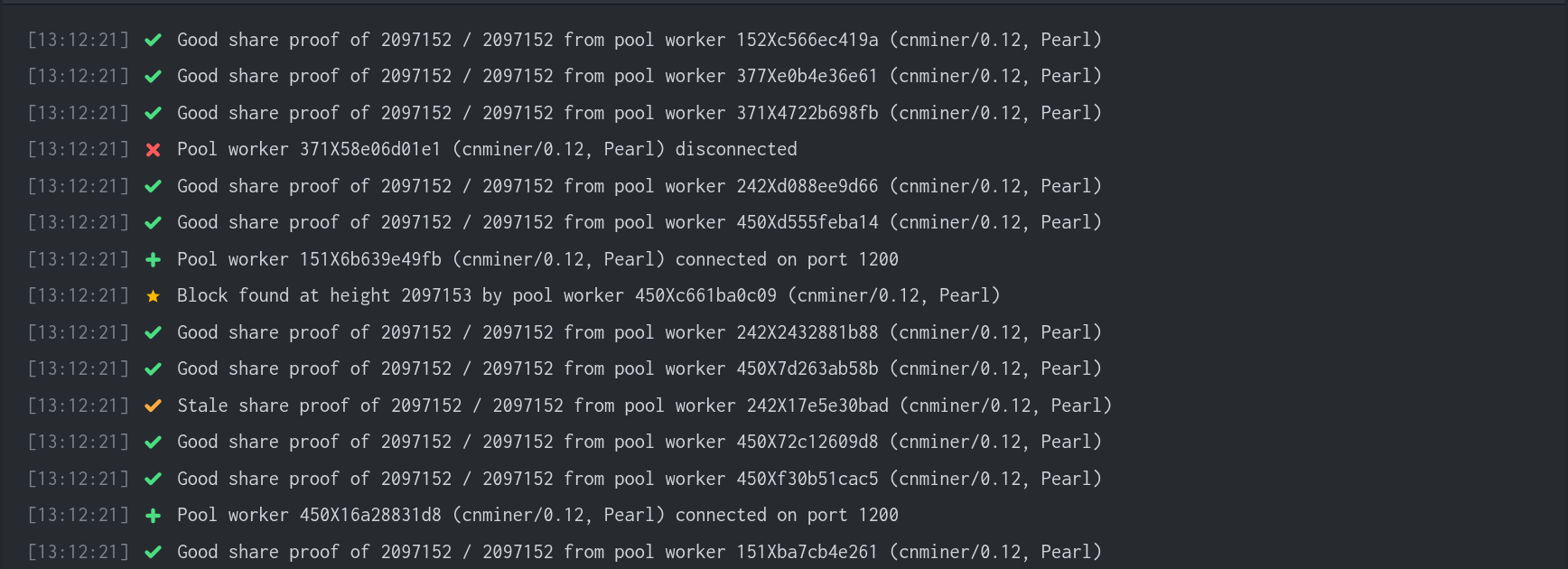
- Read the last lines of the miner console or log: a clear error message usually names the problem.
- If the rig froze or the screen shows artifacts, a driver crash is likely; reboot and start the miner again.
Then check the connection
- Confirm the pool details in your miner: the region host, port 1200 and your wallet address, exactly as the How to Mine page builds them.
- Try the other transport on the same port: stratum+ssl:// if you used stratum+tcp://, or the reverse. Both are served on port 1200.
- Try a second region temporarily. If that connects, the path to your usual region is the problem, not your rig.
- If your ISP or country blocks mining domains, open the How to Mine page and switch to the alternative route or a proxy it offers.
Unstable rather than offline?
A worker that flaps between online and offline usually has an unstable overclock or undervolt: the miner crashes, restarts and crashes again. Run the card at stock settings for a few hours; if the flapping stops, step your tuning back toward stable. Also add a second pool region as a backup entry in your miner so a single network hiccup never idles the rig.
Still offline?
If the miner runs, the connection details are right and other regions do not help, reach us on Discord or Telegram (links in the footer) with your miner console output. That output almost always contains the answer.